Winter is the perfect season to give your iPhone a softer, more calming look. As the days grow colder and the scenery turns quiet, minimalist neutral winter wallpapers offer a beautiful way to bring that peaceful atmosphere to your screen. Think warm beige tones, creamy whites, soft gray skies, muted taupe shades, delicate snowflakes, and understated winter landscapes. These designs feel timeless rather than overly seasonal, making them ideal for anyone who loves a clean, elegant aesthetic.
One of the best things about neutral winter wallpapers is their versatility. They complement light and dark phone cases, work beautifully with minimalist app icons, and create a polished appearance without overwhelming your screen. Whether you prefer cozy textures, snowy forests, Scandinavian-inspired simplicity, or subtle abstract patterns, there is a style to match your taste. The following 14 minimalist neutral winter wallpaper ideas for iPhone offer inspiration for creating a serene seasonal look while keeping your lock screen and home screen effortlessly stylish.
1. Soft Beige Winter Sky
A soft beige winter sky is an excellent choice if you want a wallpaper that feels peaceful, warm, and understated. Imagine a pale sand-colored horizon blending into a creamy white sky, with faint winter clouds adding just enough texture to keep the image interesting. The muted palette creates a gentle background that feels sophisticated without looking plain.
This design works especially well for people who prefer neutral aesthetics throughout the year but still want a seasonal touch. Keep your widgets simple and use dark brown or charcoal text where your iPhone settings allow it. The open sky also provides plenty of negative space, making notifications and the clock easier to read. It is a lovely option for a clean, uncluttered winter screen.

2. Snow-Covered Pine Forest in Gray
A snow-covered pine forest brings the quiet beauty of winter nature to your phone. Choose a photograph featuring tall evergreen trees dusted with snow, softened by mist and filtered through shades of gray, ivory, and muted sage. Avoid highly saturated greens or dramatic contrasts if you want to preserve the minimalist neutral aesthetic.
This wallpaper feels atmospheric and peaceful, especially when the trees fade gradually into a foggy background. It suits nature lovers who want a winter landscape without bright colors or busy details. For the best composition, look for a vertical image with a lighter area near the top for the lock-screen clock. A softly blurred forest can also make a beautiful home-screen background because icons remain visually distinct.

3. Creamy White Snowflakes
For a delicate winter look, try a creamy white wallpaper decorated with tiny, understated snowflakes. Instead of bold blue snow crystals, choose fine ivory, pale gray, or translucent white designs against a warm off-white background. The result feels airy and elegant, with just enough seasonal detail to make your phone look festive without becoming overly decorative.
This idea is particularly appealing if you enjoy simple patterns and coordinated accessories. A matte white, beige, or clear phone case will complement the design beautifully. You can choose evenly spaced snowflakes for a structured appearance or an irregular arrangement for a more natural feel. Keep the pattern subtle so app icons remain easy to distinguish, especially if you use a busy home screen with multiple folders and widgets.

4. Minimalist Taupe Winter Mountains
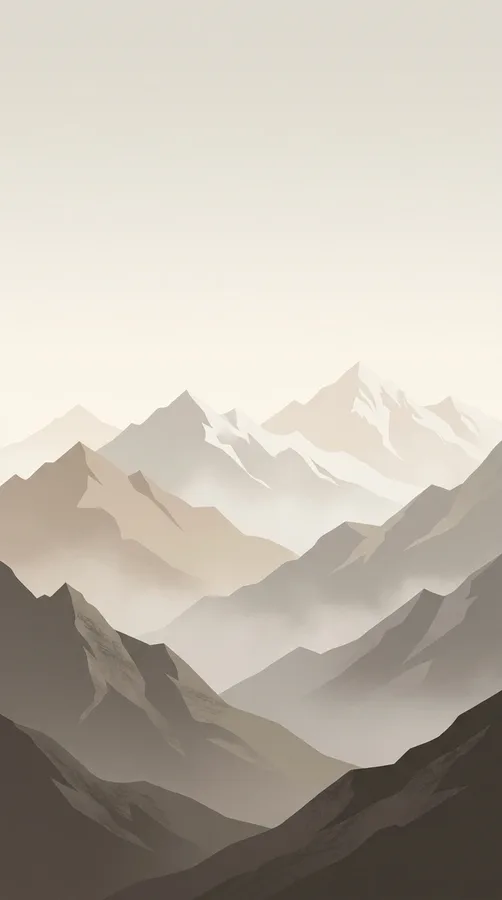
Muted taupe mountains create a sophisticated wallpaper inspired by quiet alpine scenery. Picture overlapping mountain silhouettes in mushroom brown, warm gray, and soft beige, with a thin layer of ivory snow along the peaks. A simple composition with only a few mountain layers keeps the image visually balanced and gives it a modern, editorial quality.
This wallpaper is ideal for anyone who likes landscape photography but prefers a cleaner alternative to detailed travel images. The earthy palette feels cozy during winter and remains attractive long after the season ends. Choose a design with darker mountains toward the bottom and a pale sky above. That arrangement creates a natural place for the lock-screen clock while keeping the overall image calm and uncluttered.
5. Cozy Knit Texture in Oatmeal
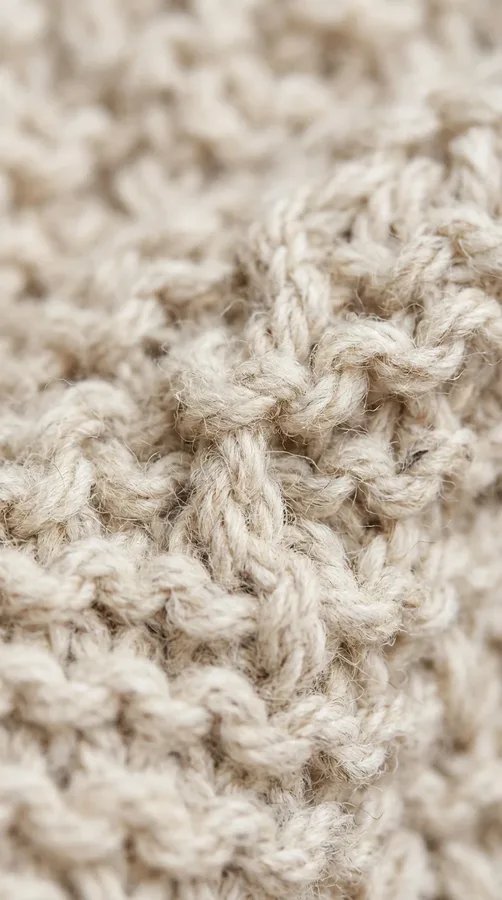
A close-up oatmeal knit texture turns your iPhone background into a subtle reminder of warm winter sweaters and cozy evenings indoors. Look for a wallpaper that captures the softness of knitted wool in cream, oatmeal, or light taupe. The texture should be visible enough to add dimension without featuring strong shadows or distracting patterns.
Unlike a scenic winter wallpaper, this design does not rely on snow or outdoor imagery to communicate the season. Its appeal comes from tactile simplicity and warm neutral color. It pairs beautifully with beige widgets, minimalist icons, and a matching phone case. For a more refined result, choose an evenly lit image with a slightly blurred finish. This keeps the texture gentle and prevents the home screen from feeling too busy.
6. Frosted Window in Soft White
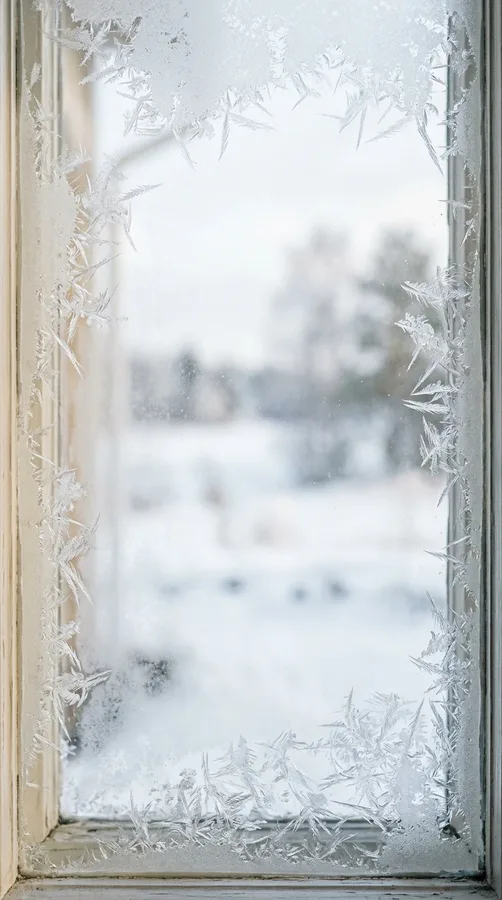
A frosted winter window creates a quiet, almost cinematic mood. Imagine delicate frost crystals along the edges of a windowpane, with a soft white landscape barely visible outside. Pale gray shadows and creamy highlights give the image depth while maintaining a restrained, neutral appearance.
This design is especially appealing if you love cozy indoor aesthetics and the peaceful feeling of watching snowfall from a warm room. Choose an image with most of the detail concentrated around the edges, leaving the center relatively simple. That composition makes it easier to view app icons and widgets without visual clutter. A frosted-window wallpaper also works well with a matching lock screen featuring a minimal clock style and a small date display.
7. Minimalist Beige Snowy Cabin
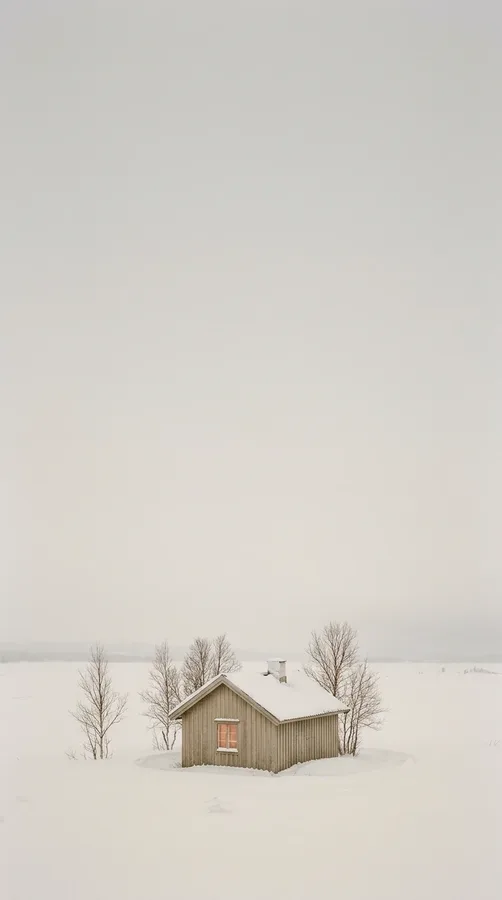
A tiny cabin surrounded by snow offers a charming winter scene without overwhelming your screen. Choose a simple composition featuring a small wooden cabin, a pale snowy field, and a few muted trees. Warm beige timber, soft gray shadows, and an ivory sky create a peaceful Scandinavian-inspired look.
The secret to making this wallpaper minimalist is keeping the cabin relatively small and allowing the surrounding landscape to provide plenty of empty space. Avoid scenes with bright holiday lights, colorful decorations, or excessive architectural details. A subtle glow from one window can introduce warmth without disrupting the palette. This style is perfect for anyone who enjoys the idea of a quiet winter retreat and wants their iPhone to reflect a cozy, peaceful atmosphere.
8. Abstract Neutral Winter Waves
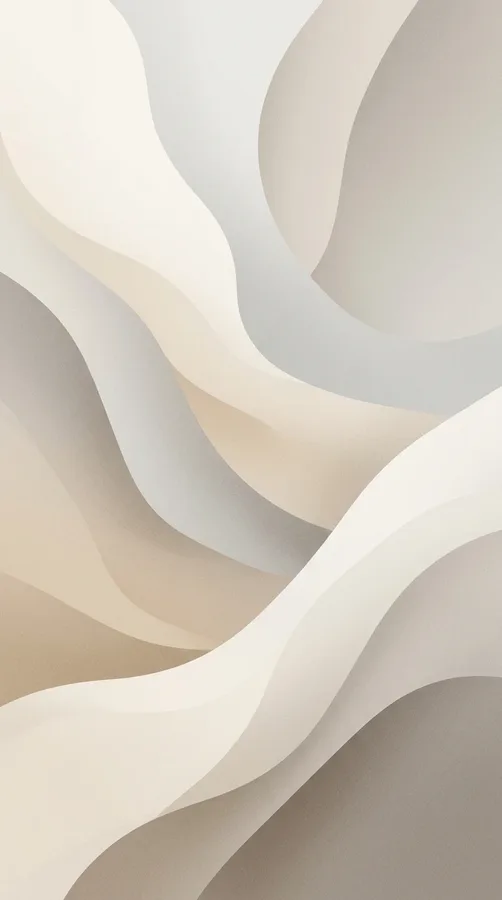
Abstract winter waves are a modern alternative to traditional snowy landscapes. Look for smooth, flowing shapes in ivory, light gray, beige, and pale mushroom tones. The curves might resemble rolling snowdrifts, soft dunes, or layers of fabric, creating a design that feels winter-inspired without showing a literal winter scene.
This wallpaper suits people who prefer contemporary design and clean visual lines. A matte finish and subtle tonal variation can make the image feel sophisticated, while gentle gradients prevent the background from looking flat. For a lock screen, choose a version with lighter, simpler shapes near the top. On the home screen, a design with broad, uninterrupted curves will help app icons stand out. Because it avoids obvious seasonal symbols, it can remain on your phone throughout the year.

9. Delicate Bare Winter Branches
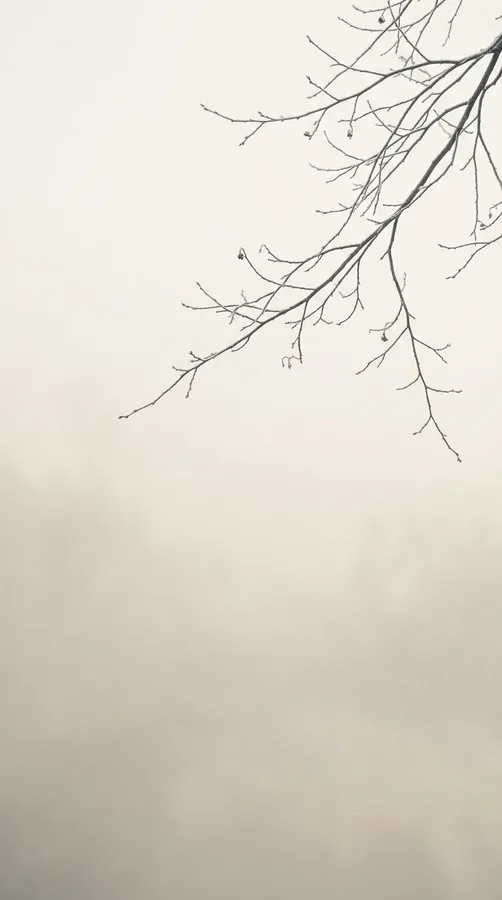
Fine winter branches against a pale background create a naturally elegant wallpaper. Imagine slender tree limbs reaching across a misty ivory sky, with just a hint of frost along their edges. Shades of soft charcoal, stone gray, and warm white keep the image delicate rather than dramatic.
This design is ideal if you appreciate botanical photography but want something quieter than colorful floral backgrounds. The branching shapes introduce organic detail, while the open sky creates plenty of negative space. A composition with branches entering from one corner often works especially well because it leaves room for the clock and notifications. For a more artistic look, choose a slightly faded photograph with gentle contrast. The result feels peaceful, timeless, and perfectly suited to a minimalist winter aesthetic.
10. Warm Cream and White Gradient
Sometimes the most beautiful wallpaper is also the simplest. A warm cream-to-white gradient gives your iPhone a smooth, polished appearance without adding patterns, scenery, or decorative objects. The color transition can move vertically from soft ivory at the top to a warmer vanilla tone near the bottom, or blend diagonally for a more contemporary effect.
This option is particularly practical for people who want their app icons and widgets to remain the main focus. It creates a calm visual environment and complements nearly any phone case or icon arrangement. Avoid harsh transitions or overly yellow shades if you want a refined neutral palette. A very subtle grain can add dimension without compromising the clean finish. This wallpaper is also a dependable choice if you frequently change your home-screen layout.
11. Minimalist Snowy Birch Trees
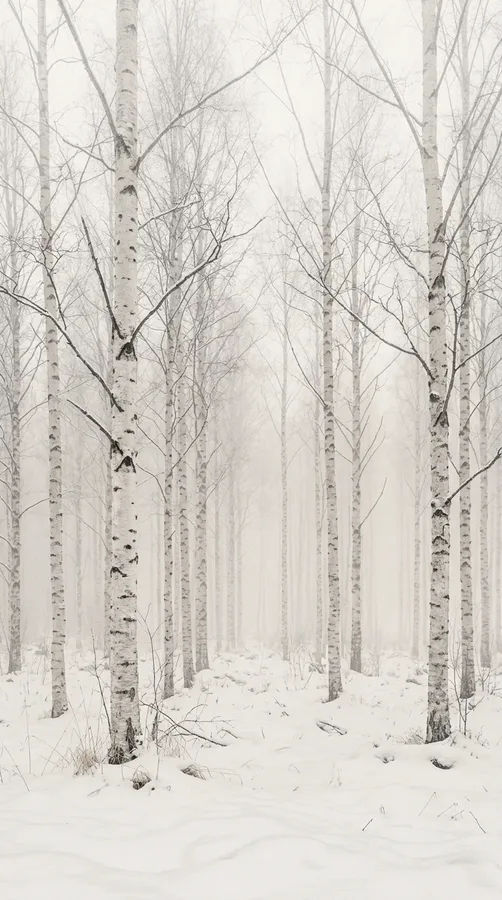
Snowy birch trees offer a beautiful combination of delicate texture and natural simplicity. Choose a vertical image of pale tree trunks rising through a snowy woodland, with soft gray branches and an almost white background. The distinctive markings on the bark provide visual interest without requiring strong colors or elaborate details.
For a minimalist effect, look for a misty photograph where the trees gradually disappear into the distance. This creates a sense of depth while keeping the composition light and airy. The restrained palette pairs well with black, charcoal, or taupe app icons. If you prefer a more artistic appearance, a slightly desaturated photograph can soften the contrast further. This wallpaper is a lovely way to bring the quiet beauty of a winter forest to your everyday screen.
12. Neutral Paper and Linen Texture
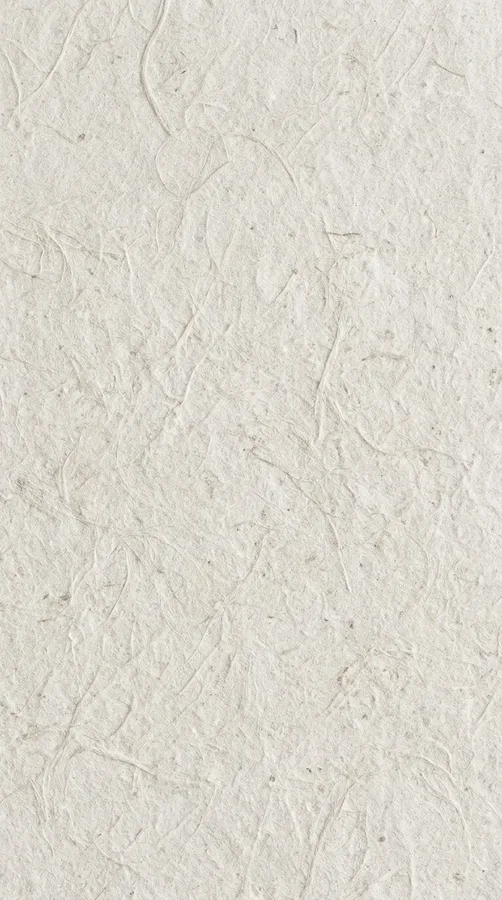
A paper or linen texture is perfect for anyone who loves understated, tactile design. Picture a softly textured background in warm white, natural linen, or pale greige, with faint fibers and gentle variations in tone. The effect resembles premium stationery or handmade paper, giving your iPhone a refined and thoughtfully styled appearance.
This wallpaper does not depend on seasonal imagery, so it works beautifully if you want a winter look that is subtle enough to keep all year. Choose a texture that is fine and evenly distributed rather than one with strong creases or dark marks. The simple background will help icons and widgets remain legible. Pair it with a neutral lock-screen font and a restrained widget layout for a coordinated look that feels modern, calm, and effortlessly elegant.
13. Misty Winter Lake in Greige
A misty winter lake creates a serene wallpaper with a soft, atmospheric quality. Look for a quiet body of water bordered by bare trees or distant hills, with fog blending the landscape into shades of greige, silver, and pale beige. The reflection should be subtle, with no intense blue water or dramatic sunset colors.
This type of image is especially appealing if you enjoy peaceful scenery and want something more expressive than a plain gradient. The soft horizon creates a natural visual anchor, while the mist keeps the overall design understated. For an iPhone lock screen, select a portrait composition with enough open sky above the horizon. A slightly faded finish can make the image feel dreamy without sacrificing detail. It is a beautiful reminder of winter’s quieter side.

14. Minimalist Candlelight in Neutral Tones
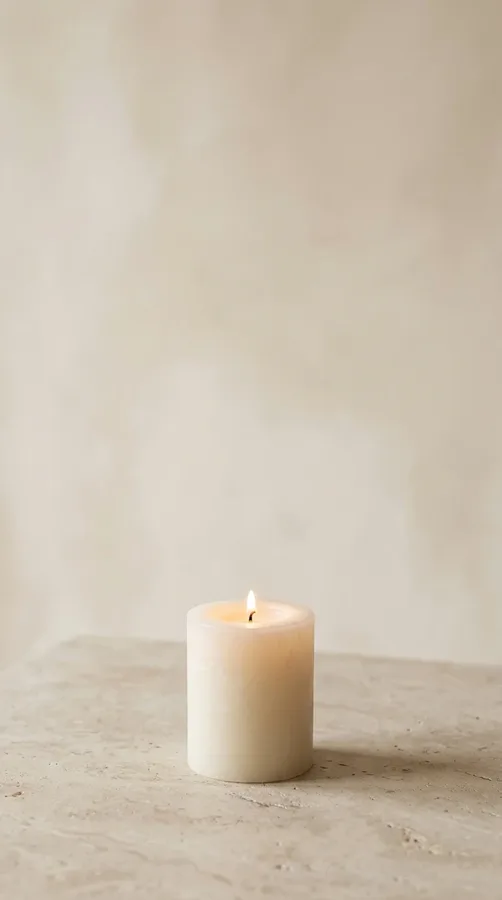
Bring a little indoor warmth to your screen with a minimalist candlelight wallpaper. Imagine one simple ivory candle on a pale stone surface, surrounded by a creamy beige background and soft, natural shadows. The small golden flame provides a gentle focal point while remaining the only noticeable warm accent.
This design captures the cozy side of winter without relying on obvious holiday decorations. Choose a photograph with a simple composition, understated styling, and plenty of negative space around the candle. A soft, diffused glow feels more elegant than dramatic lighting or a dark, high-contrast background. The result works especially well for anyone who enjoys slow mornings, quiet evenings, and a warm neutral aesthetic. Pair it with a matching beige phone case to complete the look.
How to Choose the Best Neutral Winter Wallpaper for Your iPhone
The right wallpaper should look beautiful while remaining practical for everyday use. Before choosing a design, consider how it will work with your lock-screen clock, notifications, widgets, and app icons.
- Match your preferred palette: Choose warm beige and cream for a cozy look, or gray and white for a cooler winter atmosphere.
- Look for negative space: Simpler areas near the top can improve clock visibility and reduce visual clutter.
- Use a suitable image size: Select a high-resolution vertical image that fits your iPhone display without becoming blurry when cropped.
- Consider icon contrast: Test the wallpaper with your usual home-screen layout to ensure labels and widgets remain easy to read.
- Coordinate your accessories: Neutral wallpapers pair well with clear, white, taupe, silver, and beige phone cases.
When setting a new wallpaper, preview the crop before applying it. Move the image slightly if the main subject competes with the clock or important widgets. You can also use a detailed landscape on the lock screen and a simpler matching gradient on the home screen for a coordinated but functional result.
Final Thoughts
Minimalist neutral winter wallpapers offer a simple way to make your iPhone feel fresh, cozy, and stylish throughout the colder months. From snowy forests and frosted windows to warm knit textures and creamy gradients, each idea brings a different interpretation of winter while maintaining a calm, understated palette. Choose the design that matches your personal style, keep your screen layout uncluttered, and enjoy a seasonal refresh that feels both beautiful and practical.